
Mali 1 GB
$5.99
1 GB · 7 days · 3G / 4G / 5G
$5.99 per GB
Orange, Malitel
Loading…
Buy a Mali eSim in a minute. Install it before you fly, and it connects when you arrive. Your usual number stays on.
Pick the country and how much data you need.
Set it up in seconds over Wi-Fi before you travel.
Turn on the line when you land. It connects to a local network.
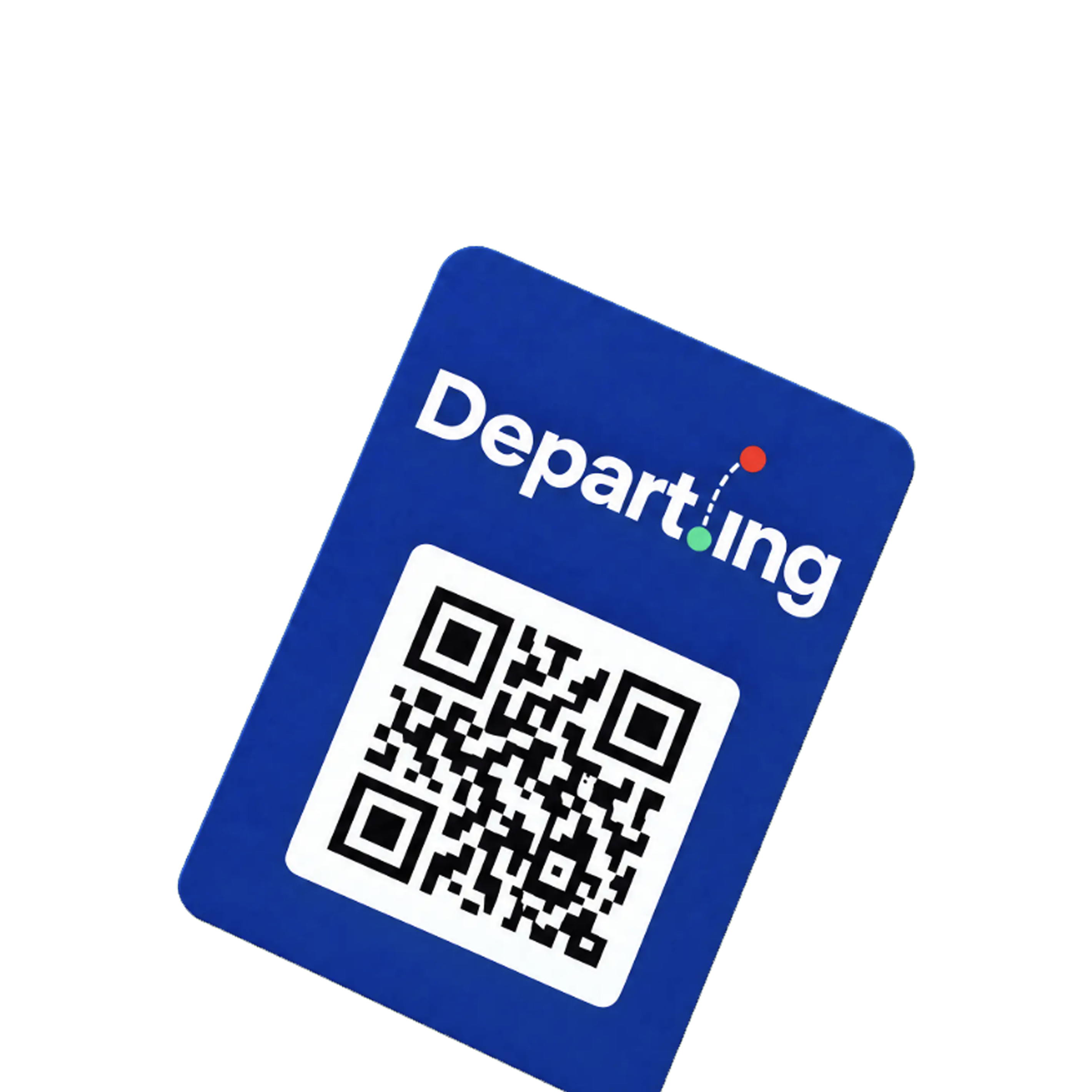
Scan the QR code using your phone to install your eSim.
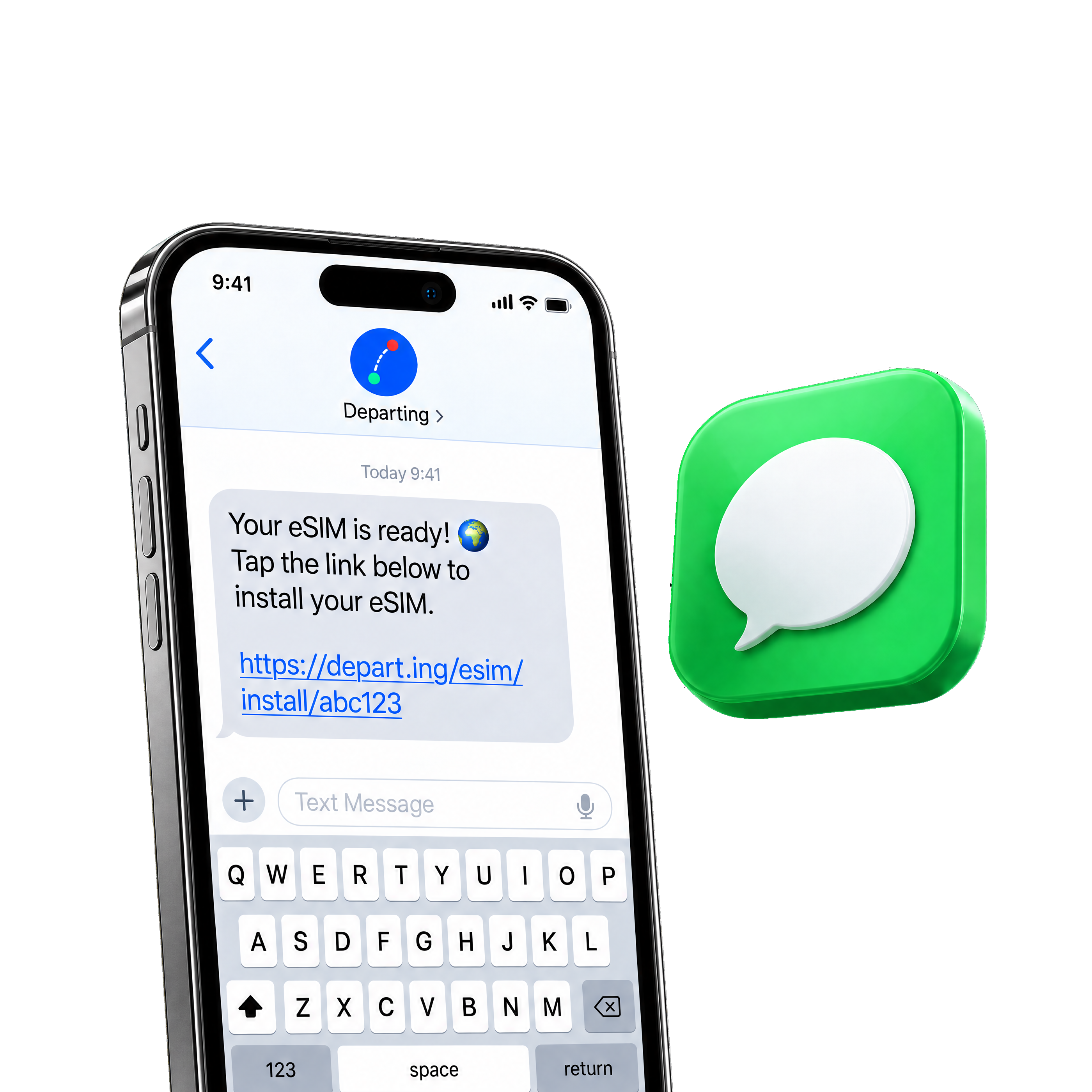
The install link arrives by text. Open it on your phone to install your eSim.
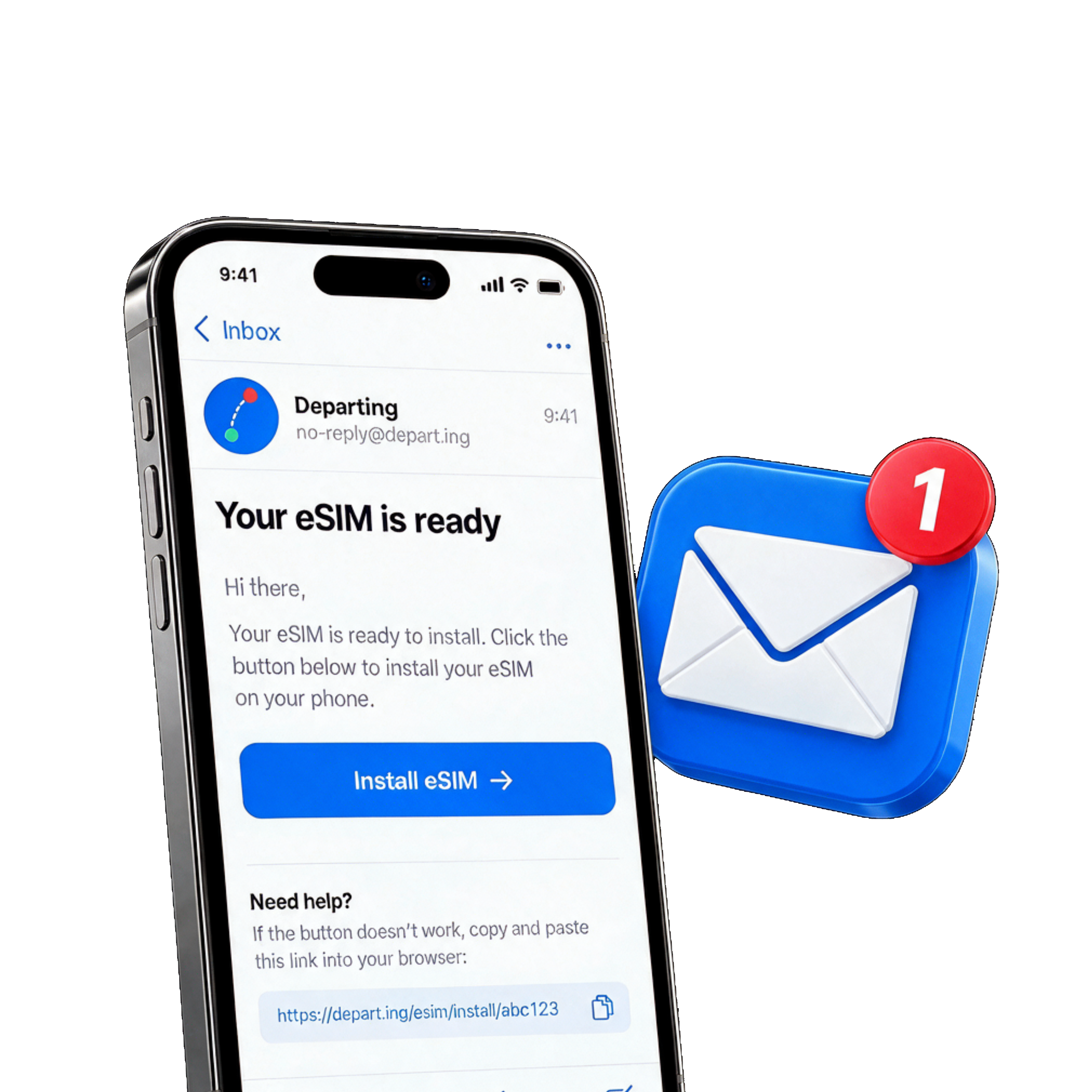
The install link arrives by email. Open it on your phone to install your eSim.
We cover countries, multi-country regions, and global eSims. Browse the full list to pick where you are going.
See all destinationsMost recent iPhones and many Android phones support eSim. Check your model before you buy.
Check your phoneMost plans start when the eSim first connects to a network in the destination.
No. On a dual-SIM phone your usual line stays active for calls and messages.
If the eSim has not been installed and no data has been used, contact support and we will review it.
Refund policyYes. On a dual-SIM phone your usual line stays on for calls and messages. The travel eSim is for data.
WhatsApp and your numberAn eSim is a digital SIM. You install it on the phone instead of inserting a plastic card.
What is an eSimStill stuck? Visit Help for more answers.
Get helpInstall it before you fly. It connects when you arrive.
No. Install the eSim at home over Wi-Fi, then turn on the line and data roaming when you arrive.
Most plans start when the eSim first connects to a network in the destination, not when you buy it.
Yes. On a dual-SIM phone your usual line stays on for calls and messages while the eSim handles data.